If your Spanish teacher just texted you a code and said “meet me on Conjuguemos live,” you’re probably staring at your browser wondering what to do next. You’re not alone. Conjuguemos live is one of the most widely used real-time language tools in American schools, with the platform reaching over 32,000 schools and 4.2 million students. Getting in is genuinely simple once you know the steps, and this guide covers everything from the login page to troubleshooting when things go sideways.
What Is Conjuguemos Live, Exactly?
Before the how, a quick what. Conjuguemos is a community-sourced language learning platform built around activities created by teachers, supporting French, German, Italian, Korean, Latin, Portuguese, and Spanish. It was founded in 2000 by Alejandro Yegros, a Spanish teacher who wanted a more effective and automated method for teaching verb conjugations.
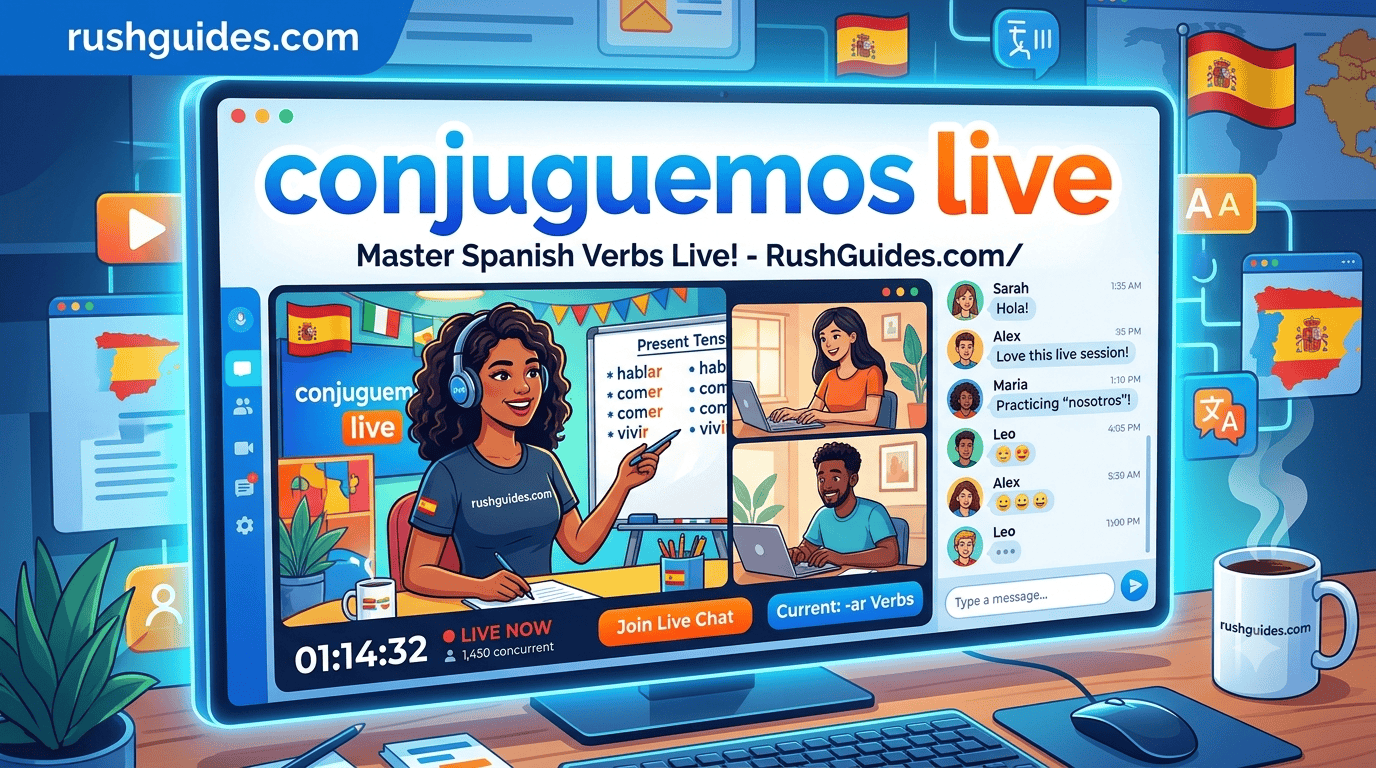
Conjuguemos Live is the platform’s real-time classroom mode. In essence, it works like a live quiz game in the classroom. Teachers host a live game in the app, students enter using a code, and then everyone participates together, works through questions live, and competes to earn the most points.
It’s not a separate app. It lives right on conjuguemos.com, under the /live URL. No download required.
How to Log In to Conjuguemos.com/Live
The Student Path
Here’s the standard flow every student should know:
Step 1: Open your browser and go to conjuguemos.com/live
Step 2: You’ll see a prompt asking for a session code. Your teacher generates this code when they start the live activity. It’s usually a short alphanumeric string.
Step 3: Enter the code exactly as given. Case matters, so double-check if it isn’t working.
Step 4: Log in to the website and use the code given by your teacher to start playing. If you already have a student account, sign in first at conjuguemos.com/auth/login/ before entering the code, as some sessions require authentication before joining.
Step 5: Once inside, you’ll see the activity your teacher has assigned, whether that’s a conjugation drill, vocabulary quiz, or a multiplayer game.
That’s the whole flow. The platform was built for classroom speed, so it’s intentionally straightforward.
The Conjuguemos Login Page
Students and teachers both use the same login portal at conjuguemos.com/auth/login/. If you’ve forgotten your password, there’s a standard reset option on that page. Students who were added to a class by their teacher through ClassLink or Google Classroom integration may be able to sign in through those platforms instead of creating a standalone Conjuguemos account.
How Teachers Set Up a Live Session
If you’re the teacher, the process starts on your end before students can join anything.
Teachers create an activity first, either by picking from an existing collection or building their own quiz. Then they click on Live to start the game for students, which generates the code students use to join the session.
Once the session is running, teachers can view each student’s screen in real time, see who’s online, who’s active, and how they’re performing, all from the teacher dashboard. Teachers can also assign, pause, or end activities and adjust settings like difficulty level, time limit, and question type live during the session.
All student work is downloadable, which makes grading simple.
What Activities Are Available on Conjuguemos Live?
The live mode isn’t limited to one type of exercise. Through the platform, users participate in real-time sessions for interactive exercises and quizzes as well as multiplayer games.
The platform includes single and multiplayer games, progress tracking, and a gradebook. Teachers can create, import, and modify activities, aligning them with popular textbooks.
The most popular mode is the competitive multiplayer format where students race each other to conjugate verbs correctly. What used to be solitary practice is now a fierce competition as students compete against “Conjubot” or their peers. Adding some fun to an otherwise tedious exercise has greatly decreased the sense of boredom.
For solo practice outside of live sessions, the platform also offers flashcards, graded practice drills, and timed activities students can do at their own pace.
Languages Supported on Conjuguemos
Spanish gets the deepest coverage by far, with content spanning every major tense and mood. The platform supports French, German, Italian, Korean, Latin, Portuguese, and Spanish. That said, the depth varies. The more popular languages like Spanish have significantly more material than less popular languages like Latin. If your class is French or German, you’ll find plenty to work with. If someone tries to use it for Korean or Latin, manage expectations accordingly.
Troubleshooting: When Conjuguemos Live Isn’t Working
Wrong URL
The most common error is a simple typo. People search for conjuguemos.con/live (note the .con instead of .com) or variations like conjugemos live or conjuguemos.com/live login. All roads should lead to conjuguemos.com/live. If you’re getting an error page, check the URL first.
Session Code Not Working
The code may be expired, incorrect, or entered with a typo. Ask your teacher to confirm it. Teachers generate a new code each time they start a session, so old codes from yesterday won’t get you in today.
Login Required Before Joining
Some sessions require a login before joining. If you’re hitting a wall at the join screen, try logging into your account at conjuguemos.com/auth/login/ first, then returning to the live URL with your code.
Browser Issues
Conjuguemos Live runs in the browser without any installation. If the page is loading slowly or the game is freezing, try a different browser or clear your cache. Chrome and Firefox both work reliably. The platform works smoothly across Chromebooks, tablets, and desktops.
Teacher Accounts and School Plans: What’s the Difference?
Teachers have two registration options. There’s an individual teacher option for those who want to register without being associated with an institution, and an institutional account option for educators who want to register a school or district and later add teacher and student accounts.
For pricing, the school plan includes all features from individual teacher plans plus unlimited sharing between colleagues. An ad-free account can be added for $45 on top of the plan cost. For institutional pricing, you contact support directly. The contact for Conjuguemos is support@conjuguemos.com or by phone at (617) 209-9465.
Individual students can use the platform for free, though the only thing you’re missing as an independent learner is the multiplayer games, since those are based on playing against classmates.
Is Conjuguemos Worth Using Outside of Class?
Genuinely, yes, if you’re learning Spanish and need to hammer conjugations into your head. Students frequently describe the drills as remarkably successful in ingraining patterns into long-term memory, though the repetition can feel taxing. One description that circulates in student forums compares it to weightlifting: heavy, monotonous, and undeniably effective.
Conjuguemos remains a reliable resource for students who might not otherwise have access to digital language tools because it is still free to use for individuals. That’s a meaningful thing in a space where a lot of the best tools sit behind paywalls.
The platform doesn’t try to be Duolingo. No streaks, no cheerful mascots pushing you to maintain your study habit. It’s a practice tool, built by a teacher for teachers, and it shows.
FAQ
What is the URL for Conjuguemos Live?
The URL is conjuguemos.com/live. Type it directly into your browser’s address bar and enter the session code your teacher gave you.
Do I need an account to join a Conjuguemos Live session?
Not always, but some sessions do require a student login. If you’re prompted to log in, go to conjuguemos.com/auth/login/ and use your student credentials. If you don’t have an account, your teacher can create one for you or walk you through the registration at conjuguemos.com/auth/create_student.
Why isn’t my code working on conjuguemos.com/live?
The most likely reasons are a typo in the code, an expired session, or entering the code before the teacher has started the game. Confirm the code with your teacher and try again.
Can I use Conjuguemos Live on my phone?
Yes. The platform works in mobile browsers without any app download needed.
What languages does Conjuguemos support?
Spanish, French, German, Italian, Portuguese, Latin, and Korean, though Spanish has by far the most content.
Is Conjuguemos free?
For individual students, yes. Teacher accounts have a free tier with premium plans available for additional features and school-wide access.
Your teacher’s code is good for one session. Once you’ve joined a couple of times, the whole process becomes muscle memory: go to conjuguemos.com/live, enter the code, compete. The platform has been doing this since 2000, and the reason it’s still in classrooms is that it works.
Read More About: Commercial Roof Repair Services