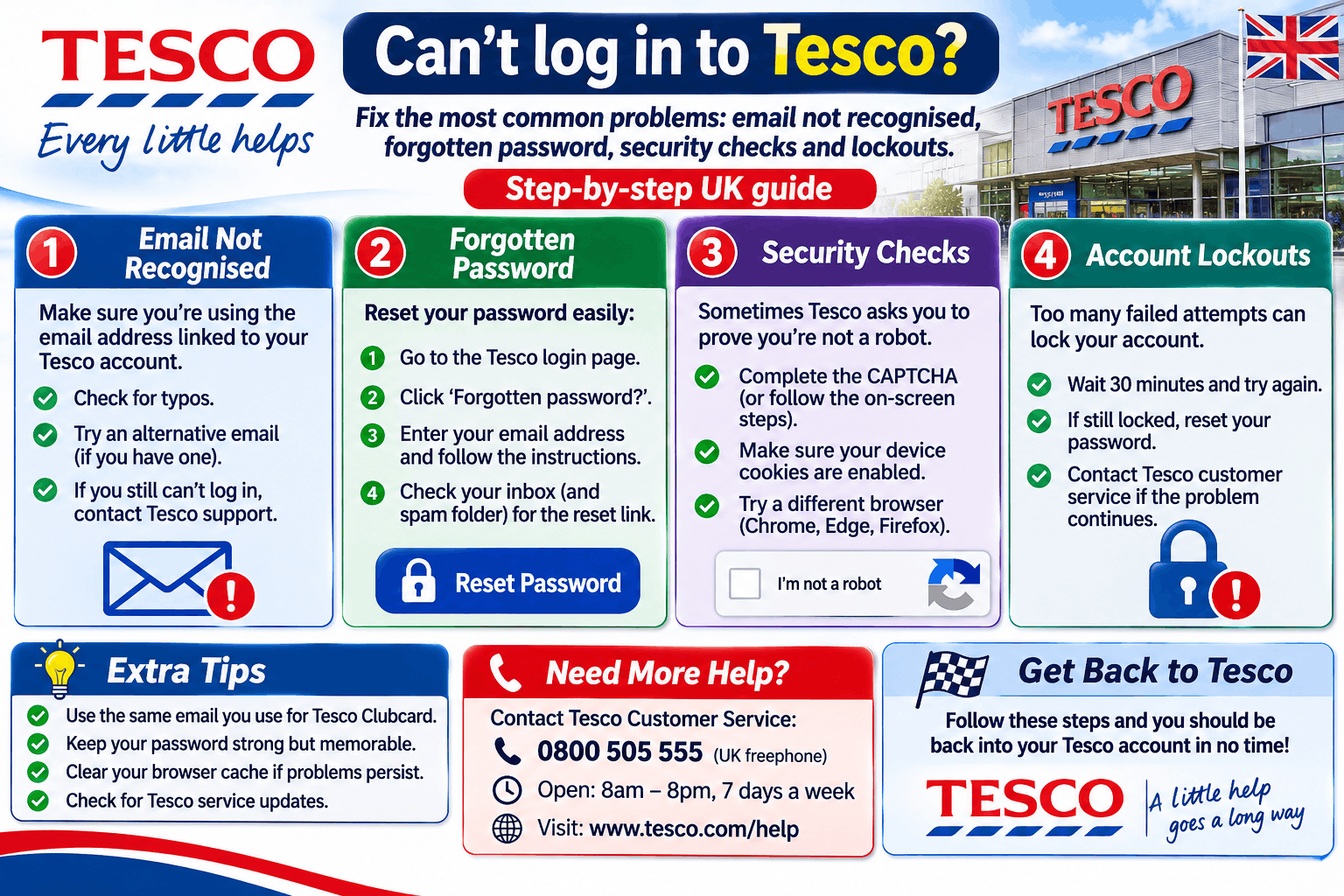
The “my Tesco login” search is almost always a troubleshooting query. You are trying to sign in and something is not working: the password is rejected, the email is not recognised, or a security check is blocking you. The most useful thing to know is that Tesco’s account system has specific lockout rules and verification steps that explain most failures. A wrong password three times triggers a 60-minute lock, and five times triggers a 24-hour lock . This guide walks through each symptom, the exact fix, and how to avoid the traps that make it worse.
First: confirm you are on the right Tesco
Tesco operates in several countries, and the login page you land on may not be the UK one. The UK grocery account is at tesco.com. The Slovak grocery site uses a different login entirely. If you are a UK customer, make sure the address bar shows tesco.com or tesco.ie before you enter any details.
There is also a separate My Tesco Mobile app for Tesco Mobile customers, which logs in with a mobile number and password, not an email. If you are trying to manage a mobile contract, that is a different system from the grocery account.
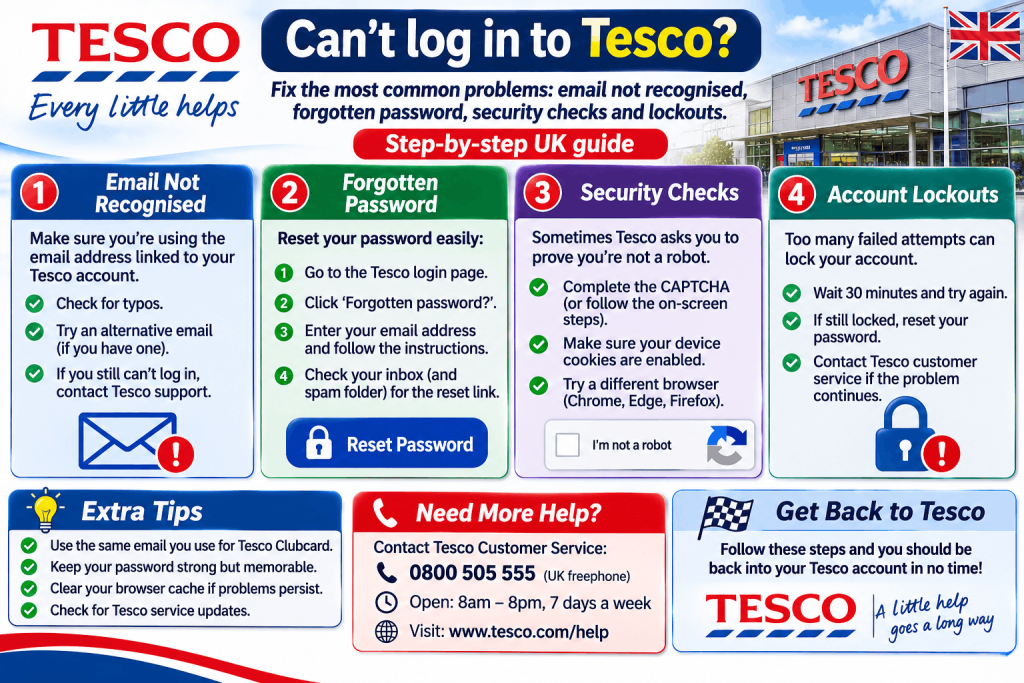
Symptom: “My email isn’t recognised”
This message means Tesco has no account registered under that email address . It is not a password problem. The usual causes are a typo, an old email address you no longer use, or a different email you registered with years ago.
The fix: Try any other email addresses you have used. If none work, you may need to open a new account. Tesco’s own guidance says if you are still having trouble signing in, you might not have an account open with that email address, and suggests checking whether your account is registered to a different email .
Symptom: “I can’t remember my password”
The reset route is straightforward, but it depends on which Tesco system you are using.
On tesco.com: Select “I’ve forgotten my password” on the sign-in page. Type your email and select “Get reset link”. Check your inbox for the link, then set a new password .
In the Tesco app: On the sign-in screen, select “I’ve forgotten my password” and follow the same email reset process .
If the reset email does not arrive, check your junk folder. Tesco’s careers FAQ also advises checking your junk folder before contacting support . If it still does not appear, the email address may not be the one registered to your account. In that case, return to the “email not recognised” step above.
Symptom: A security check is blocking you after the password
Even with the correct password, Tesco may ask you to verify that it is you. This is not an error. It is a deliberate security layer.
You will need your Clubcard number and access to the phone number registered to your account. If you opted into Clubcard with a mobile number, Tesco texts a 6-digit passcode. If you opted in with a landline, you receive an automated phone call with the passcode. Clubcard members can also use the 11th to 14th digits of their Clubcard number as a verification option .
The trap: If you type the wrong Clubcard number or login details three times, you are locked out for 60 minutes. Five wrong attempts lock you out for 24 hours . If you are unsure of your details, stop and use the password reset or contact Tesco rather than guessing.
Symptom: You are locked out after multiple attempts
The lockout is time-based, not permanent. Wait the stated period, then try again with the correct details. If you have forgotten the password, use the reset link during the lockout period so you are ready when it expires.
If you do not know which email or Clubcard number is on the account, contact Tesco directly. Tesco’s help page advises contacting them if you are still having trouble after trying the self-service steps .
The security rule that prevents most future problems
Tesco will never ask for your password by email. If you receive an email that looks like it is from Tesco and asks you to click a link and sign in, do not use the link. Go to tesco.com directly and sign in there.
Tesco also emails you if it notices unusual sign-in activity, such as a login from a new device. If you receive one of these and it was not you, change your password immediately and contact Tesco.
A quick comparison of the login systems
| System | Login detail | Where to go |
|---|---|---|
| Tesco grocery (UK) | Email and password | tesco.com |
| Tesco app | Email and password | Tesco app |
| My Tesco Mobile | Mobile number and password | My Tesco Mobile app |
| Tesco Insurance | Tesco account email and password | tescoinsurance.com |
Frequently Asked Questions
Why does Tesco ask for my Clubcard number when I log in?
Tesco uses your Clubcard number as a security check to confirm it is you. You will need it along with access to your registered phone. If you opted into Clubcard with a mobile, Tesco texts a 6-digit passcode. You can also use the 11th to 14th digits of your Clubcard number .
How long is my Tesco account locked after wrong password attempts?
Three wrong attempts lock your account for 60 minutes. Five wrong attempts lock it for 24 hours. The lockout is time-based, so waiting the stated period and then trying again with correct details will restore access .
What should I do if my Tesco password reset email does not arrive?
Check your junk or spam folder first. Tesco advises this before contacting support . If the email is not there, the address may not be the one registered to your account. Try other email addresses you have used, or contact Tesco for help .
Can I change the email address on my Tesco account?
Yes. You can update your email at Tesco.com or in the Tesco app. You will need your Clubcard and your mobile phone if one is registered. Select “Edit” and type your 4-digit security code, or use the passcode sent to your phone, then change your email and save .