If you work in ABA therapy, behavioral health, or special education, there’s a good chance your organization runs on CentralReach. The platform has become the go-to operating system for autism and IDD care providers across the US, and your CentralReach membership is your key to all of it. Whether you’re logging in for the first time as an RBT, trying to access your schedule as a BCBA, or a parent wanting to check on your child’s progress, this guide covers everything you need.
What Is CentralReach Membership?
Being a “member” on CentralReach simply means you have access to the platform. But not everyone sees the same screen. Your view depends entirely on your role.
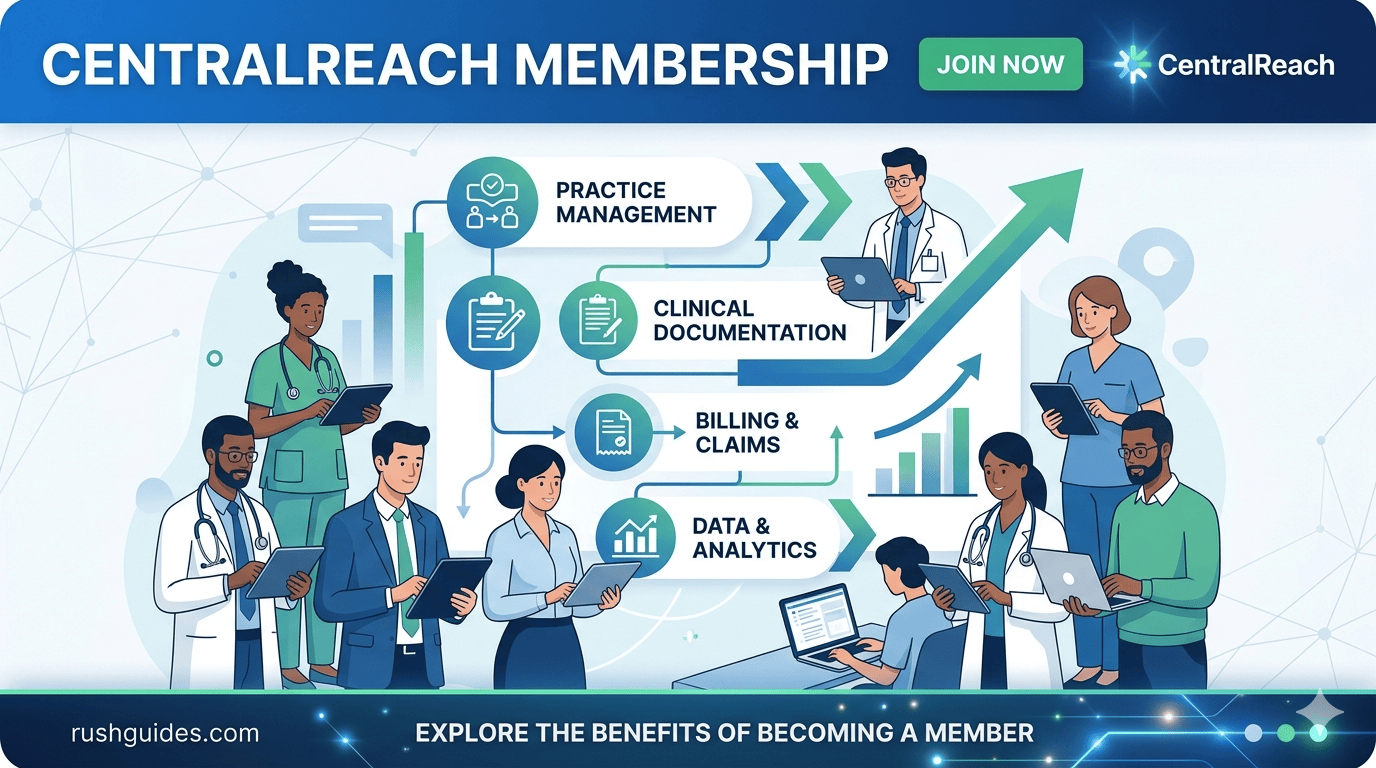
CentralReach is a feature-rich platform used by over 85,000 ABA clinicians and administrators, and the member area is where all of that work actually happens. Think of it as a secure hub that ties together scheduling, clinical notes, billing, progress reports, and communication tools.
Here’s who typically becomes a CentralReach member: therapists and RBTs who collect data, write notes, and track client progress; BCBAs who supervise cases, analyze data, and create treatment plans; admins and managers who handle scheduling, billing, payroll, and more; and parents or guardians who can see real-time progress, access session info, and message therapists.
So if someone has told you to “log into CentralReach,” your experience once you’re in will look completely different from a colleague’s — and that’s intentional.
How to Access the CentralReach Member Login
The official login portal is at login.centralreach.com. Bookmark that URL now and save yourself from Googling it every time.
Here’s the process, step by step:
- Go to login.centralreach.com
- Enter your registered email address
- Click Next and enter your password
- If your organization has Multi-Factor Authentication (MFA) enabled, complete that step
- You’ll land on your personalized dashboard
Depending on your role as therapist, admin, or supervisor, dashboards are customized for easier navigation and focus.
First-Time Login
For first-time users, navigate to login.centralreach.com, click “First Time User?”, select CentralReach, enter your email address and complete the reCAPTCHA check, then click “Send Link.” If your account exists in the system, you’ll receive a “Set up your CentralReach Account” email. No email arrives if you don’t yet have an account, so check with your organization’s admin first.
Once you select “Confirm Access & Set Up Password,” create your password and you’ll be redirected back to the login screen. Sign in with your email and new password, and you’re in.
Logging In via Mobile
The CentralReach mobile app allows members to log in and work remotely, keeping up with tasks anywhere. The app, known as CR Mobile, is designed specifically for RBTs and therapists who need to collect session data without sitting at a desk. It works online and offline, which matters a lot when you’re in a client’s home with spotty Wi-Fi.
What’s Inside the CentralReach Member Area?
This is where most guides stop being useful. Knowing you can log in is one thing. Knowing what’s actually waiting for you inside the member area is what helps you actually use the platform well.
Scheduling
CentralReach’s algorithm-powered scheduler streamlines scheduling by automatically considering drive time, authorized service hours, and client and technician availability. For admins, this removes hours of manual calendar management each week. Appointments can be booked, rescheduled, or cancelled from inside the dashboard, and cancellations can be handled in seconds rather than a string of phone calls.
Clinical Data Collection
Clinicians use customizable notes and mobile tools to collect accurate data both online and offline. BCBAs can build treatment plans directly in the platform, adjust targets, and track behavior in real time. RBTs can see their assigned client programs, log session data, and receive supervisor comments directly on specific targets without needing to chase anyone down.
CentralReach includes a real-time messaging feature called ReachMe, where direct care staff and clinicians can communicate securely one-to-one or in group chats. Clinicians can leave comments directly on a client’s target behavior, which technicians can see during sessions and mark as read. No more sticky notes on binders.
Billing and Revenue Management
Billing is handled through bulk invoicing, claim scrubbing, and clearinghouse integrations, while built-in audits help maintain compliance. For practice admins, this is one of the most time-consuming parts of running a behavioral health clinic, and having it inside the same system as clinical data removes a major source of errors.
Reporting and Progress Tracking
CentralReach provides tools to track data in real time and generate reports, helping clinicians see how clients are progressing and adjust treatment plans accordingly. These features are especially useful for ABA therapy providers who make data-driven clinical decisions.
Parent and Caregiver Access
Parents get their own version of the member area through the Client Portal. From the Client Portal, users can update personal information such as address, phone number, date of birth, and payment information. The Login & Access section allows users to update their login credentials, manage SSO settings, and set up MFA.
CentralReach also launched CR CareCompanion, a caregiver application designed to increase the role of parents and caregivers in the care delivery process. It’s a separate app built specifically for families, giving them session summaries and the ability to message the therapy team without needing full access to the clinical system.
Task Management
CentralReach includes a task management feature that functions like a lightweight project management tool, fully integrated with client data. A BCBA can create and assign tasks to an RBT with a specific due date, and the RBT receives a notification and can mark the task as complete when finished. It keeps teams accountable without requiring a separate app.
CentralReach Membership Pricing
Pricing for CentralReach membership isn’t publicly listed as a fixed menu. It’s subscription-based and scales with your organization’s size and needs.
CentralReach pricing starts at $59 per user per month, starting when you add your first client. The starter plan for ABLLS-R/AFLS assessments is $120 per learner per year.
CR Essentials, CentralReach’s platform for small therapy providers with fewer than 50 employees, offers three packages and is designed as an entry point for newer practices. Larger, multi-site organizations work with CentralReach directly for enterprise pricing.
The key cost factors, according to multiple review sources, include the number of users on the platform, which features are included in the plan, and whether the organization needs add-ons like the Learning Management System (LMS) or AI-powered tools such as CR NoteGuardAI and CR ClaimCheckAI. Prices shift, so always get a current quote directly from CentralReach rather than relying on third-party estimates.
Common CentralReach Login Problems (and How to Fix Them)
Login issues come up regularly, especially in large organizations where IT admins manage accounts and passwords reset on a schedule. Here are the most common ones:
Forgotten password
Click “Forgot Password” on the login page. Check your email inbox and spam/junk folders for the reset link. Avoid retrying with guesses more than 10 times, as this can lock you out completely.
Wrong login URL
Many users accidentally try to log in through outdated bookmarks or unofficial links. CentralReach has updated its login portals over time. Always start from centralreach.com and click Login from the top navigation. If you’re a parent or caregiver, use the Client Portal Login, not the professional login.
Account locked after failed attempts
Make sure your account isn’t blocked after multiple failed attempts. If it is, contact your organization’s admin team directly, since many accounts are managed by internal admin teams who can restore access quickly.
Platform outage
Sometimes the issue isn’t on your side. If multiple colleagues can’t log in at the same time, it’s likely a platform outage. Third-party tools like IsDown or StatusGator can confirm if CentralReach is experiencing issues.
SSO or MFA failure
Single Sign-On and Multi-Factor Authentication add important security layers, but they can fail if your identity provider or MFA device isn’t working. Contact your IT admin if the SSO error mentions your account being “linked to another organization.”
What’s New With CentralReach in 2025 and 2026
CentralReach has been moving fast. The company rebranded and relaunched its special education data collection and IEP management software as CR LiftEd, and introduced several AI-powered features including CR ClaimCheckAI, CR NoteGuardAI, and CR ScheduleAI, all aimed at reducing clinical administrative tasks.
In March 2025, CentralReach announced it had entered into a definitive agreement to be acquired by Roper Technologies, a $60 billion public company headquartered in Sarasota, Florida. The deal is expected to keep CentralReach operating independently while giving it access to Roper’s financial backing, which likely means more product development rather than less.
CentralReach was also named a Gold winner in the Healthcare Technology Solution category at the 2025 American Business Awards for the fourth consecutive year. That’s a meaningful signal for any organization evaluating the platform.
CentralReach vs. the Alternatives
CentralReach is widely recognized in the ABA space, but many providers eventually look for alternatives that better fit their budget, workflows, or support needs. Key factors to compare include whether the software has essential features like data collection, behavior tracking, scheduling, and billing, and whether the team can actually see themselves using it day to day.
The main competitors include Noteable, Catalyst, and Rethink, with each offering different pricing structures and feature sets. CentralReach tends to win on the breadth of its platform and its AI-powered tools, but smaller practices sometimes find the learning curve steeper than they’d like.
FAQ
What is the CentralReach member area?
The CentralReach member area is the dashboard users access after logging in at login.centralreach.com. What you see depends on your role: therapists see client programs and session data, admins see billing and scheduling, and parents see progress reports and messaging.
How do I log into CentralReach for the first time?
Go to login.centralreach.com, click “First Time User?”, enter your email, and request a setup link. You’ll get an email from CentralReach with a link to set your password. Once that’s done, you can log in normally.
What is the CentralReach member login URL?
The official URL is login.centralreach.com. If you previously used members.centralreach.com, that redirects to the same place now.
How much does CentralReach membership cost?
Pricing starts at approximately $59 per user per month for small practices, with enterprise pricing available for larger organizations. The ABLLS-R/AFLS assessment starter plan is $120 per learner per year. These figures can change, so always confirm with CentralReach directly.
What do I do if my CentralReach login isn’t working?
Start by checking your email address is correct and trying the “Forgot Password” reset. If that doesn’t help, contact your organization’s admin rather than CentralReach support directly, since most accounts are managed at the organizational level.
Can parents access CentralReach?
Yes. Parents and caregivers have their own Client Portal login, which gives them access to progress updates, session notes, and messaging with the therapy team.
Read More About: CDiPhone